
Search Suggestions
- Gold Loan
- Money Transfer
- Mutual Funds



Fin Shorts| May 20, 2026
How to Check Loan Details Using Aadhaar & PAN Card?
Managing your credit health starts with knowing exactly where you stand. Checking loan details using your PAN card and Aadhaar is straightforward and essential to monitor active loans and avoid surprises.
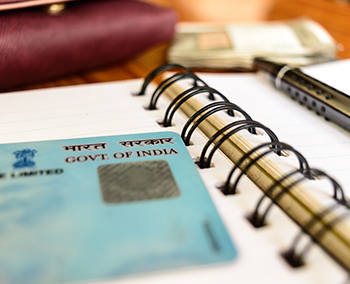
Your PAN card serves as the primary identifier for all credit activity in India. It links your personal loan, gold loan, and other borrowings. Aadhaar helps with identity verification across platforms.
Here’s how you can check your loan details:
First, visit a credit bureau website such as CIBIL, Experian, or CRIF High Mark. Sign up or log in using your PAN card details along with basic information like date of birth and registered mobile number. Complete OTP verification to access your credit report. This report clearly shows all active loans, lenders, and outstanding status linked to your PAN card.
You can also use trusted fintech apps or bank portals. Log in with your PAN and Aadhaar-linked mobile number to view loan summaries quickly. For specific gold loan or personal loan accounts, log into the lender’s net banking or mobile app using your credentials.
Regularly checking loan details on a PAN card helps you track repayments, detect errors, and maintain a healthy credit profile. Always use official websites and apps for safety.
Stay in control of your finances by reviewing your records periodically.
Suggested Read: How to Check an Active Loan on a PAN Card?
Leave a Reply
Your email address will not be published. Required fields are marked *
CATEGORIES
OUR SERVICES




Related Posts


- South +91 99469 01212
- North 1800 313 1212