
Search Suggestions
- Gold Loan
- Money Transfer
- Mutual Funds



Fin Shorts| January 2, 2026
How to Open an SIP Account: Online and Offline Process
A SIP is an easy way to invest in a mutual fund and build wealth over time. Here is a step-by-step guide on how to open a SIP account and start your investment journey.
1. Setting up an Online SIP Account
Pick a bank portal, AMC website, or mutual fund platform that you can trust when planning to open a SIP account online.
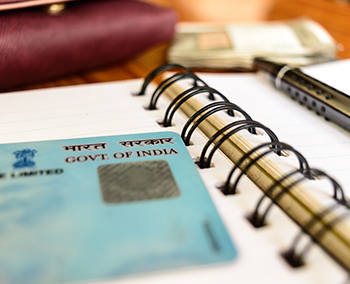
Use your PAN Card, Aadhaar, and a registered mobile number to finish KYC.
Choose the mutual fund scheme you like best.
Choose the amount of your SIP and the date of your investment.
This process explains how to open a SIP account online and begin investing conveniently without visiting a branch. Many investment platforms also guide users on how to start SIP online, making the process simple and accessible for new investors.
Platforms also show you how to open a mutual fund account online, which is necessary before SIP account opening.
2. Opening an Offline SIP Account
Go to a bank branch, a mutual fund office, or a registered distributor if you prefer assistance while you open a SIP account.
Fill out the SIP registration form and submit your KYC documents, such as your PAN Card.
Pick your SIP and mutual fund scheme details.
This method is good for people who like to get personal help with their investments and want guidance during the SIP account opening process.
3. Picking the Right Way
Online is faster and doesn't use paper; offline gives you personal help.
Both methods explain how to open a SIP account easily depending on your preference.
When you sign up, your SIP will automatically invest on the date you choose.
Knowing how to open a SIP account will help you invest in a mutual fund in a smooth and organized way. Using your PAN Card for KYC makes sure the process is safe and legal, whether you open a SIP account online or choose the offline method.
Suggested Read: SIP Investment: What’s the Best Time to Start?
Leave a Reply
Your email address will not be published. Required fields are marked *
CATEGORIES
OUR SERVICES




Related Posts


- South +91 99469 01212
- North 1800 313 1212